Ink System
Ink is the game's UI framework. Everything the game draws on screen, from
the HUD to menus, is an ink widget tree. The game script API exposes the ink
widget classes under the ink namespace, so a bundle can create widgets and
change existing ones. ink.InkSystem gives access to the layers these
trees live in.
Layers
The game UI is split into layers like HUD, Menu, Loading or PhotoMode,
each listed in ink.ELayerType. Every layer has a virtual window, the root
widget all of its other widgets are children of.
if (ink.InkSystem.IsLayerVisible(ink.ELayerType.Menu))
{
    return; // a menu is open
}

var hud = ink.InkSystem.GetLayer(ink.ELayerType.HUD)?.GetVirtualWindow();
IsLayerVisible(type)returns whether the layer is shown right nowGetLayer(type)returns the layer, ornullwhen the game doesn't create it.EditorandDebugreturnnullin a normal game sessionGetVirtualWindow()returns the layer's root window, ornullwhile it has none
Adding a widget
The root window is a regular compound widget, so new widgets can be added to it like in any other widget tree:
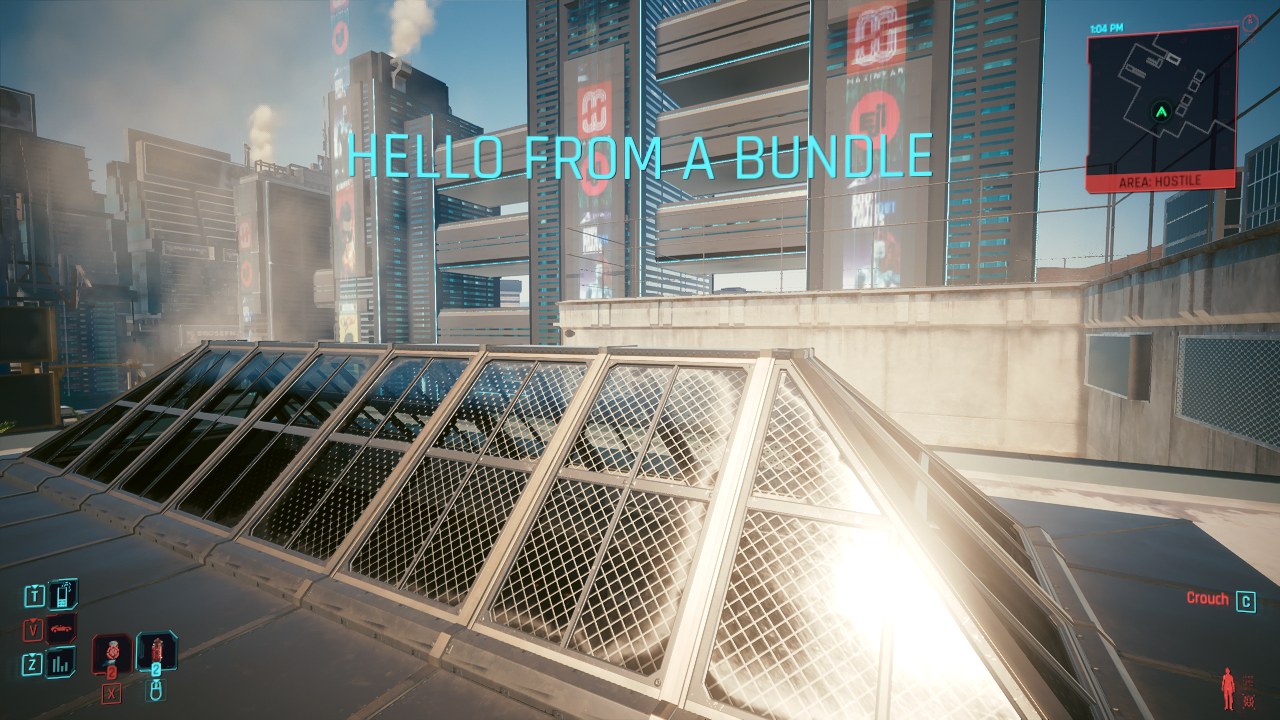
static ink.TextWidget? Label;

static void ShowLabel(string message)
{
    var hud = ink.InkSystem.GetLayer(ink.ELayerType.HUD)?.GetVirtualWindow();
    if (hud is null)
    {
        return;
    }

    Label = new ink.TextWidget();
    Label.SetFontFamily("base\\gameplay\\gui\\fonts\\raj\\raj.inkfontfamily", new CName("Medium"));
    Label.SetFontSize(64);
    Label.SetLetterCase(text.LetterCase.UpperCase);
    Label.SetTintColor(new HDRColor(0.37f, 0.96f, 1.0f, 1.0f));
    Label.SetText(message);
    Label.SetAnchor(ink.EAnchor.TopCenter);
    Label.SetAnchorPoint(0.5f, 0.0f);
    Label.SetMargin(0.0f, 120.0f, 0.0f, 0.0f);

    hud.AddChildWidget(((ink.Widget)Label).Downgrade());
}
SetFontFamilypicks the font,rajis the font of the game's UIAddChildWidgetandRemoveChildtake a weak handle to anink.Widget. Cast toink.WidgetbeforeDowngrade()to get oneRemoveChildtakes the widget out again
Remove your widgets when the bundle stops
Widgets you add to a game layer belong to the game. They stay on screen after your bundle unloads, and nothing can reach them anymore. Remove them when your bundle stops:
For interfaces of your own, a Web UI is usually the better fit. Ink is useful to add small elements that blend in with the game's HUD, or to change the game's own widgets.